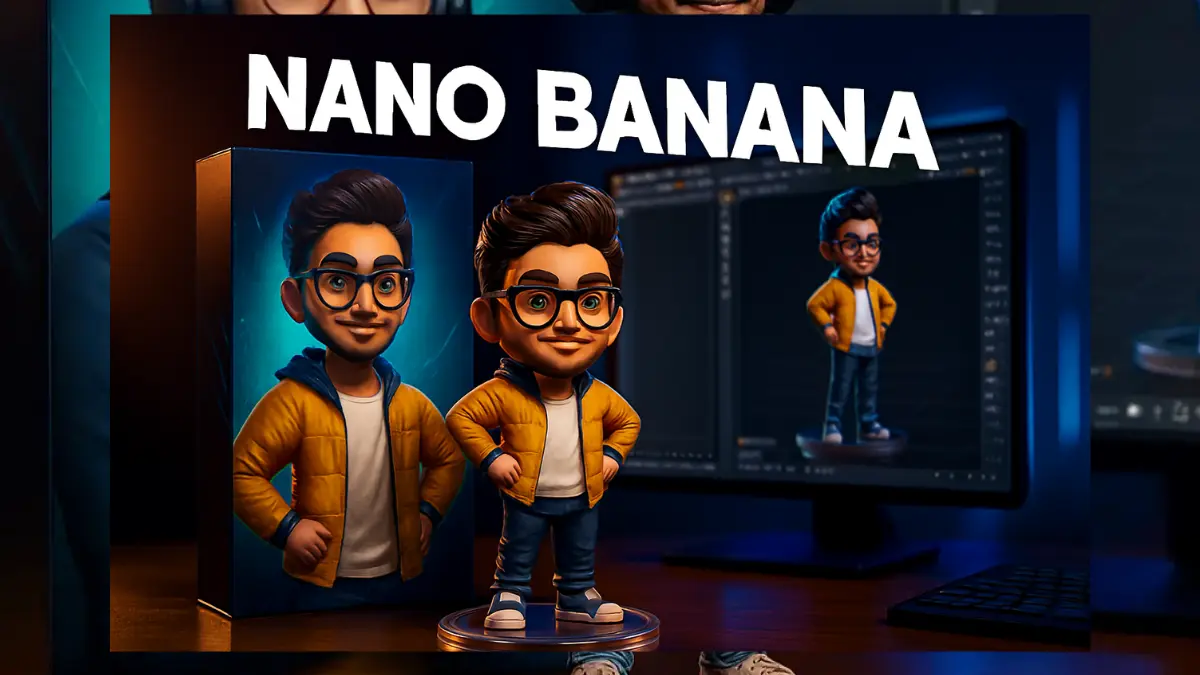

A few years ago making a 3D model was something only professionals could do. You either had to spend months learning heavy software or pay a designer. Today things are different. Google AI Studio has made it possible for anyone to create 3D objects in minutes.
The secret behind this tool is simple. It works on prompts. Instead of clicking around menus you just type a few words and the AI does the rest. A new style of writing prompts called Nano Banana prompts is making the process even easier. These are short playful instructions that get you better results without wasting time.
Think about it like this. If you told your friend I need a modern chair with brown wood legs soft leather cushion and clean lines they might forget half of it. If you said 3D chair wooden legs leather cushion modern they’d get it straight away. That is the Nano Banana approach.
Why Google AI Studio is Different
Google’s tool is popular because it doesn’t demand a background in design. You can type a few words and get something useful fast. It’s not only quick but flexible too. You can ask for realistic renders, cartoonish styles, futuristic models, or even fantasy objects. Students, game developers, architects, and hobbyists are all jumping in because it’s practical and saves time.
21+ Easy Prompts You Can Try
Here are some ready examples you can copy. You can mix and match them or add your own twist.
- 3D futuristic car metallic finish cyberpunk style
- Cute 3D banana character with glasses and smile
- Ancient 3D temple ruins stone texture moss details
- 3D modern smartphone sleek realistic reflection
- Fantasy 3D dragon flying glowing wings
- 3D coffee mug realistic steam
- Cartoon 3D puppy playful pose
- Sci fi spaceship neon glow
- 3D human face smiling lifelike texture
- Medieval sword glowing blade
- 3D wristwatch golden strap black dial
- Simple apple shiny with water drops
- 3D animated book with turning pages
- Cute robot metallic friendly look
- 3D mountain with snow
- Underwater reef colorful fish
- 3D sports shoe bright colors detailed sole
- Futuristic city skyline glowing towers
- 3D crystal ball with aura
- Cartoon burger with smiling face
- 3D guitar neon highlights
- Astronaut helmet reflective visor

Tips That Make a Difference
The prompts are the fun part but how you write them changes the result. Here are a few tricks:
- Don’t over explain. Stick to 5 to 8 words.
- Add style words like realistic cartoon low poly futuristic.
- Use clear photos if you upload your own.
- Ask for angles like front view or 360 view.
- Mix ideas for creativity. Cat astronaut with jetpack? Why not.
- Add lighting words like cinematic neon glow sunlight.
- Try again if the first result isn’t perfect.
Why This Matters
The reason so many people are excited is because this isn’t just a toy. Designers are using AI Studio to build game assets. E commerce stores are using it to show 3D products. Teachers are bringing lessons alive with models of plants and maps. Architects are testing design ideas. Filmmakers are drafting CGI shots. Even AR and VR worlds are filling up with AI generated objects.
Looking Ahead
Right now you type prompts. Soon you might just talk. Imagine saying create a wooden table with glass top and seeing it build instantly. Editing will also get simpler. Want the same chair in blue? You’ll just say it. Models will also be ready to drop into apps and games without extra work.
But remember this. AI can build fast but the spark still comes from you. The imagination is human.
Final Thoughts
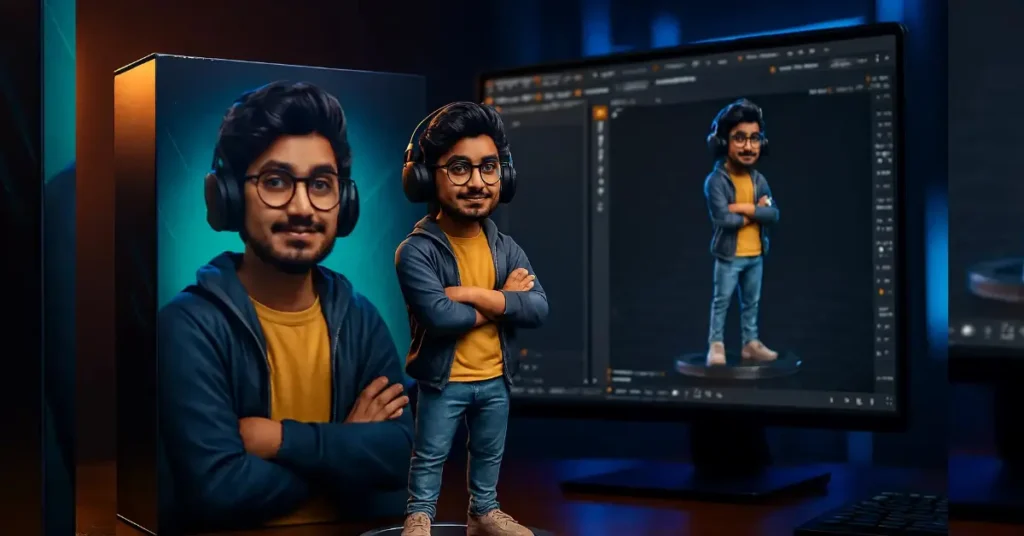
With Google AI Studio and these 21 Nano Banana prompts you can turn a flat picture into something that feels alive in 3D. You don’t need years of training or expensive tools. Just a few words typed in the right way. Try these prompts. Change them. Make them your own. That’s where the real fun begins.
👉 Call to Action: If this guide helped you share it with a friend who loves tech or design and keep checking back for more AI tricks and tutorials.
Also Read:
Bajaj Pulsar NS400Z with 42.37bhp power and 4 ride modes for just Rs 1.92 lakh
India’s Stray Dog Crisis: Supreme Court Demands Answers as Public Anger Grows